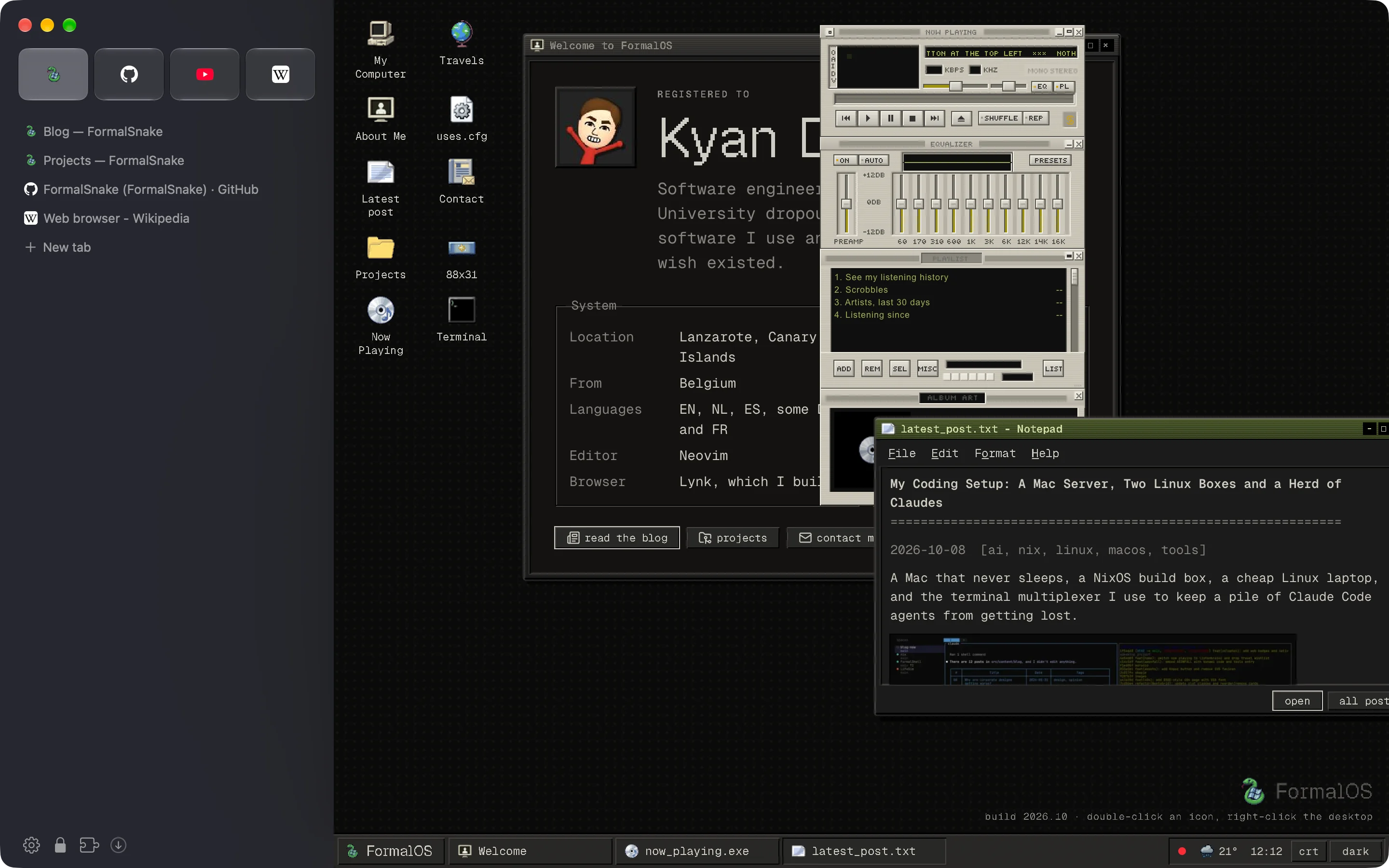
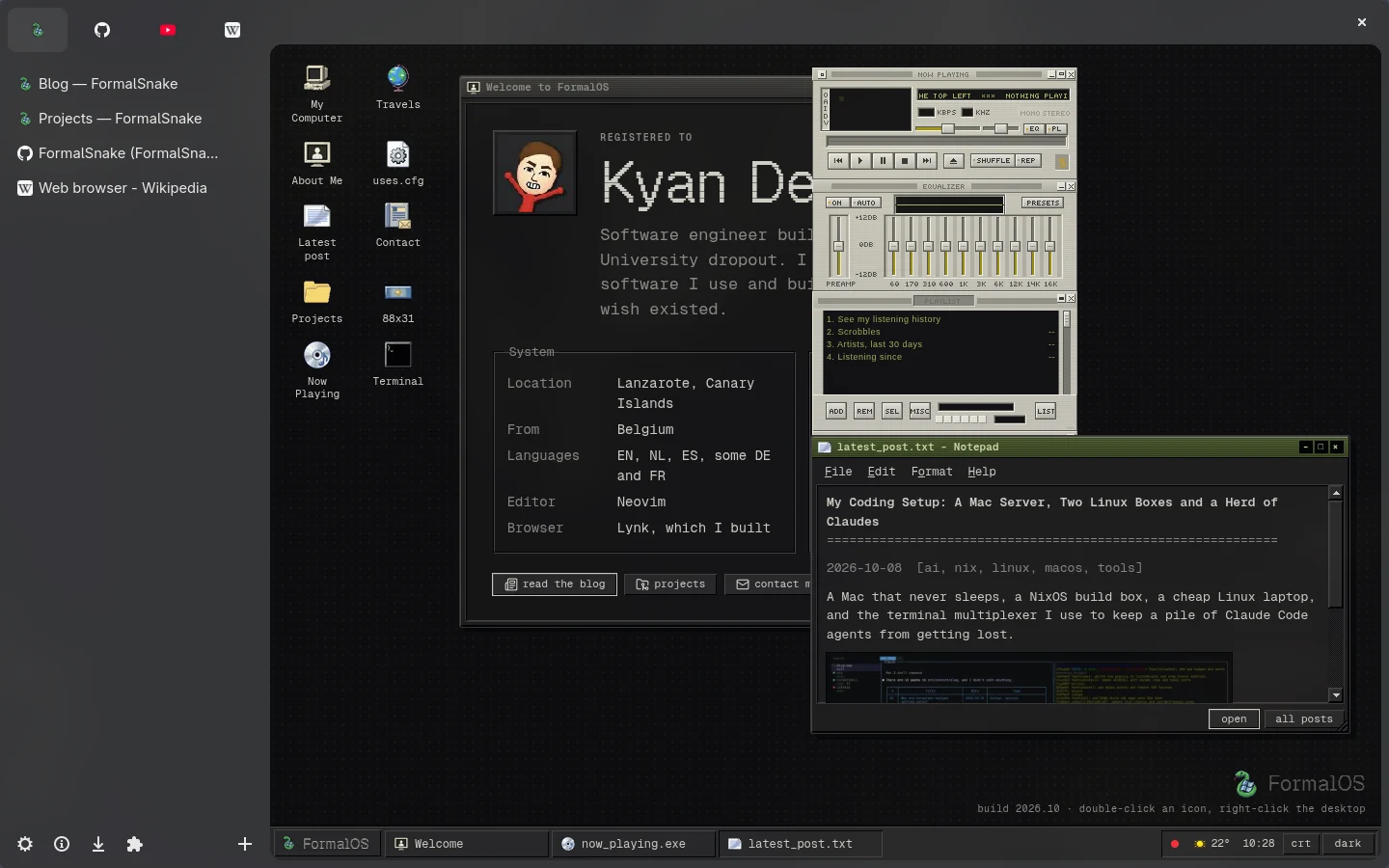
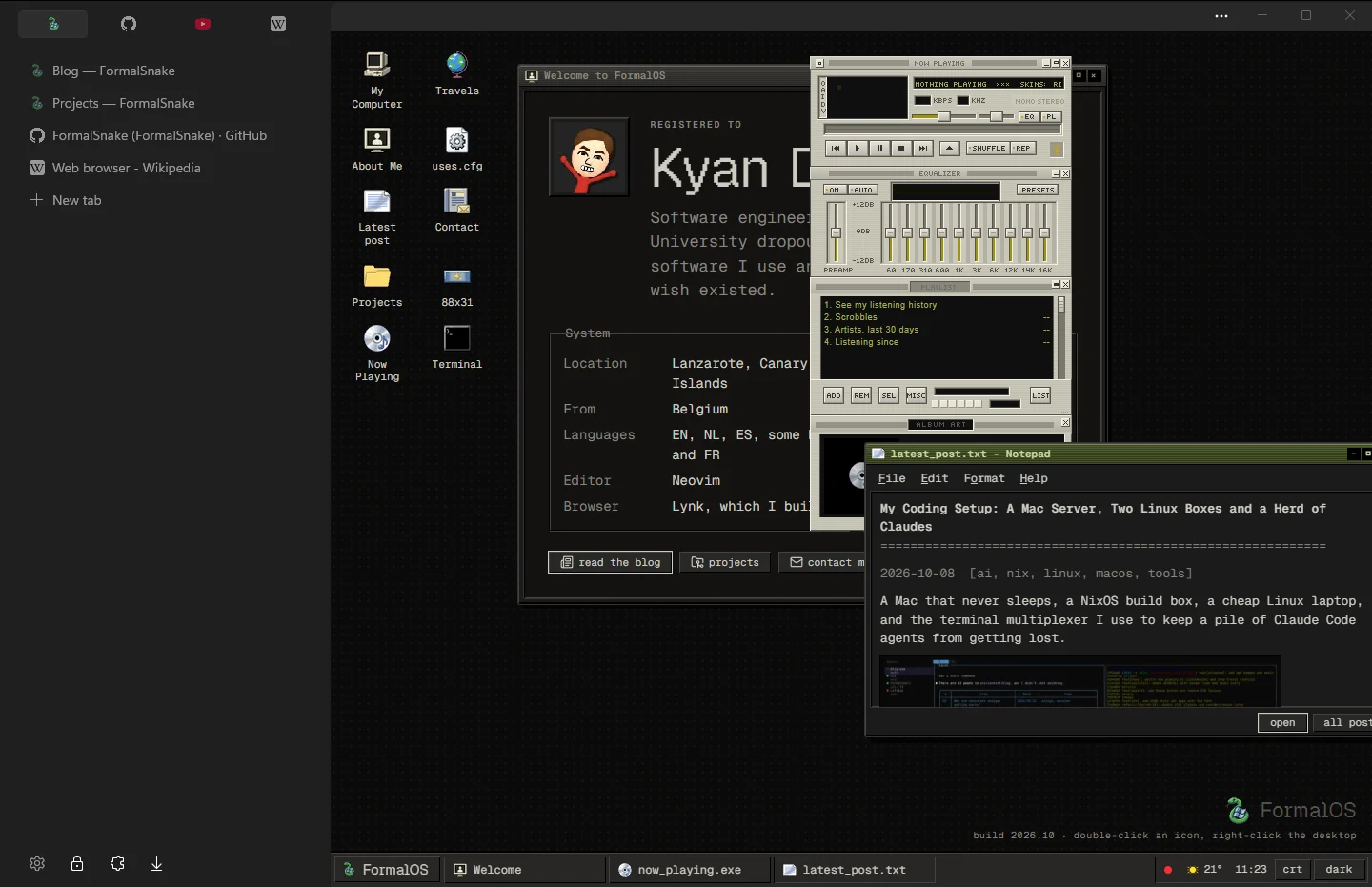
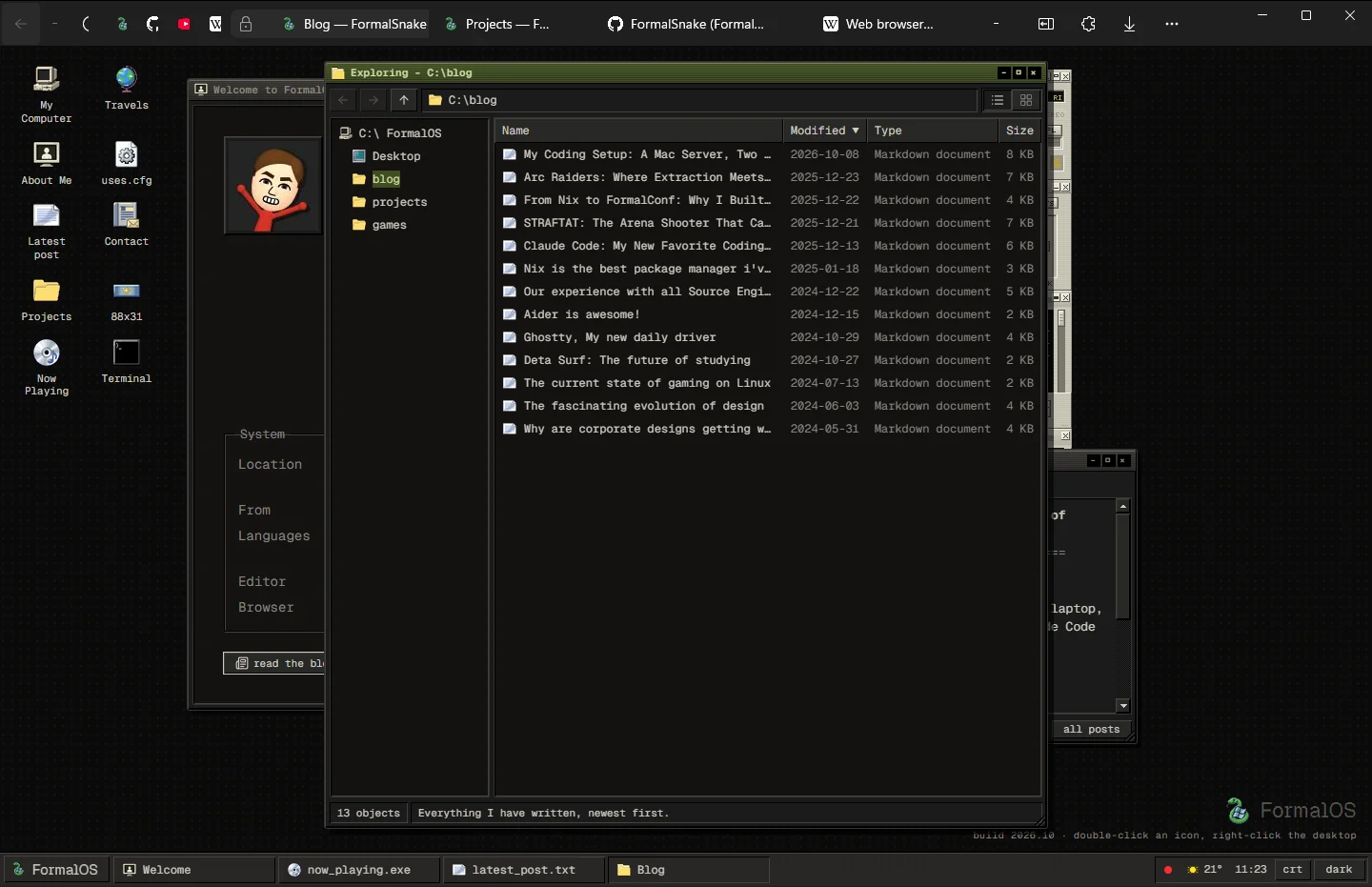
macOS · window drawn by AppKit · page by Chromium
Why native
Feels like it belongs.
Lynk looks and works like the other apps on your computer.
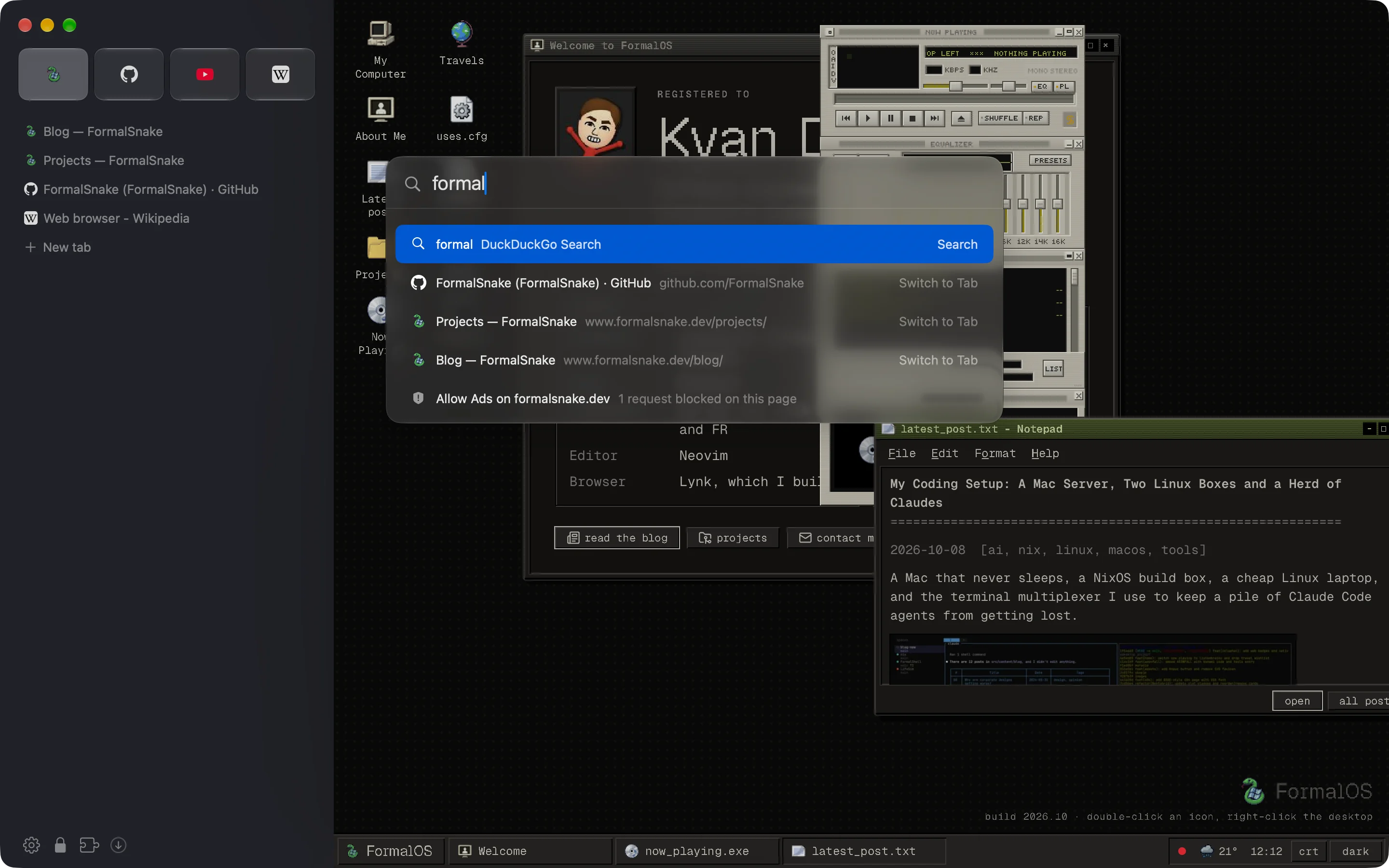
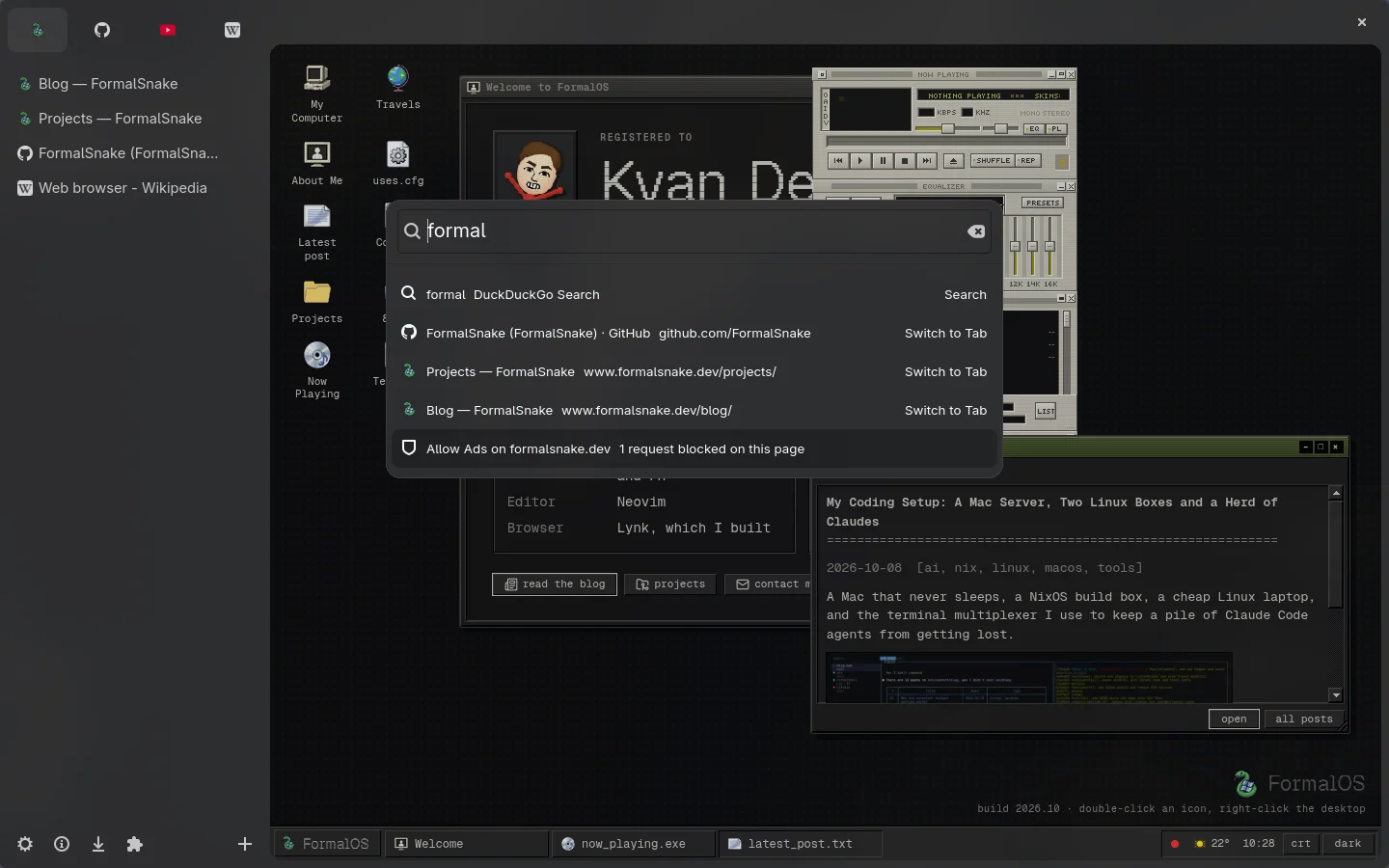
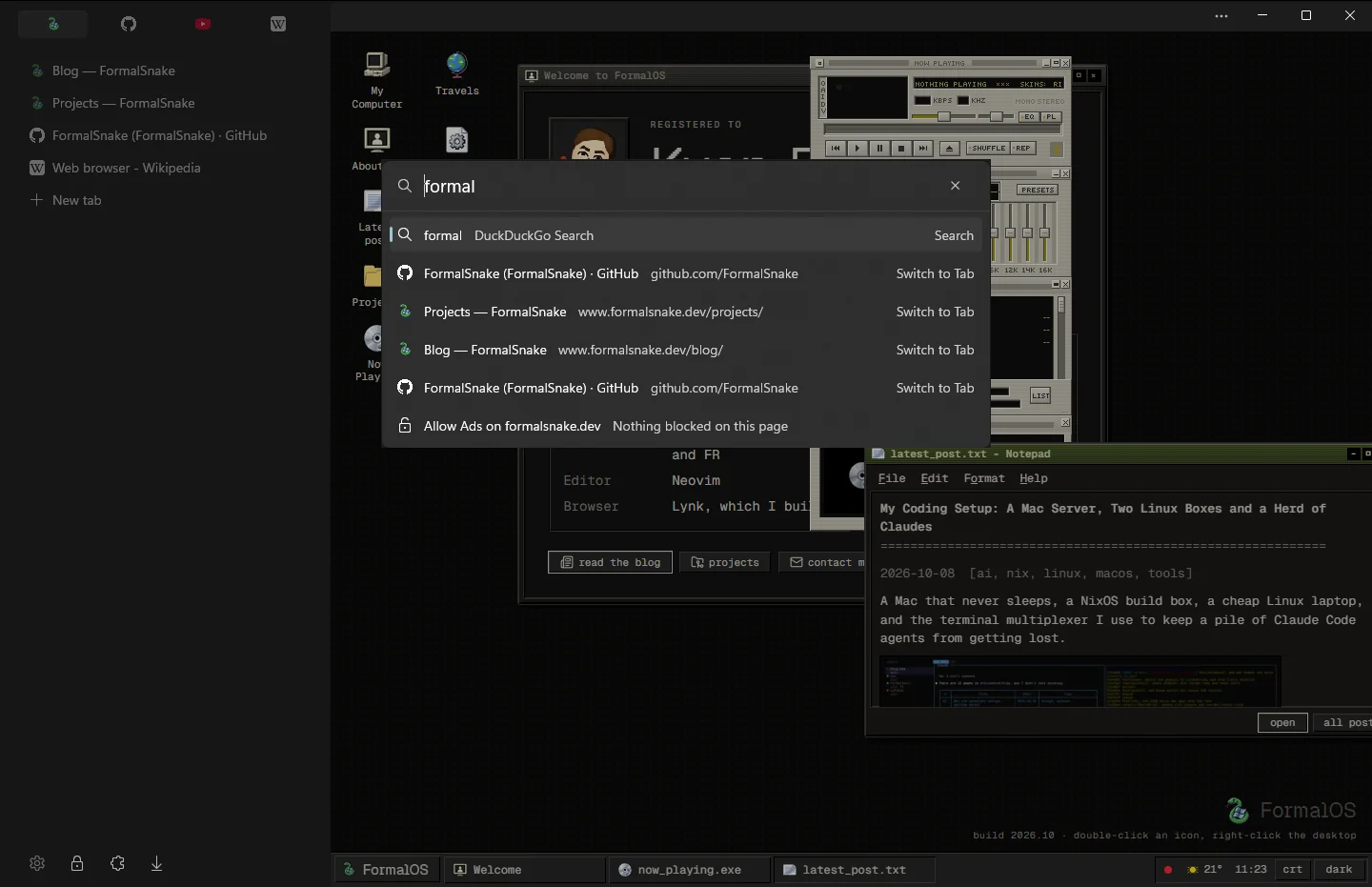
One bar for everything
Search, open tabs, history and commands in one place.
- ⌘TCtrlT
- New tab
- ⌘LCtrlL
- This tab's address
- ⌘KCtrlK
- Switch tabs or run a command
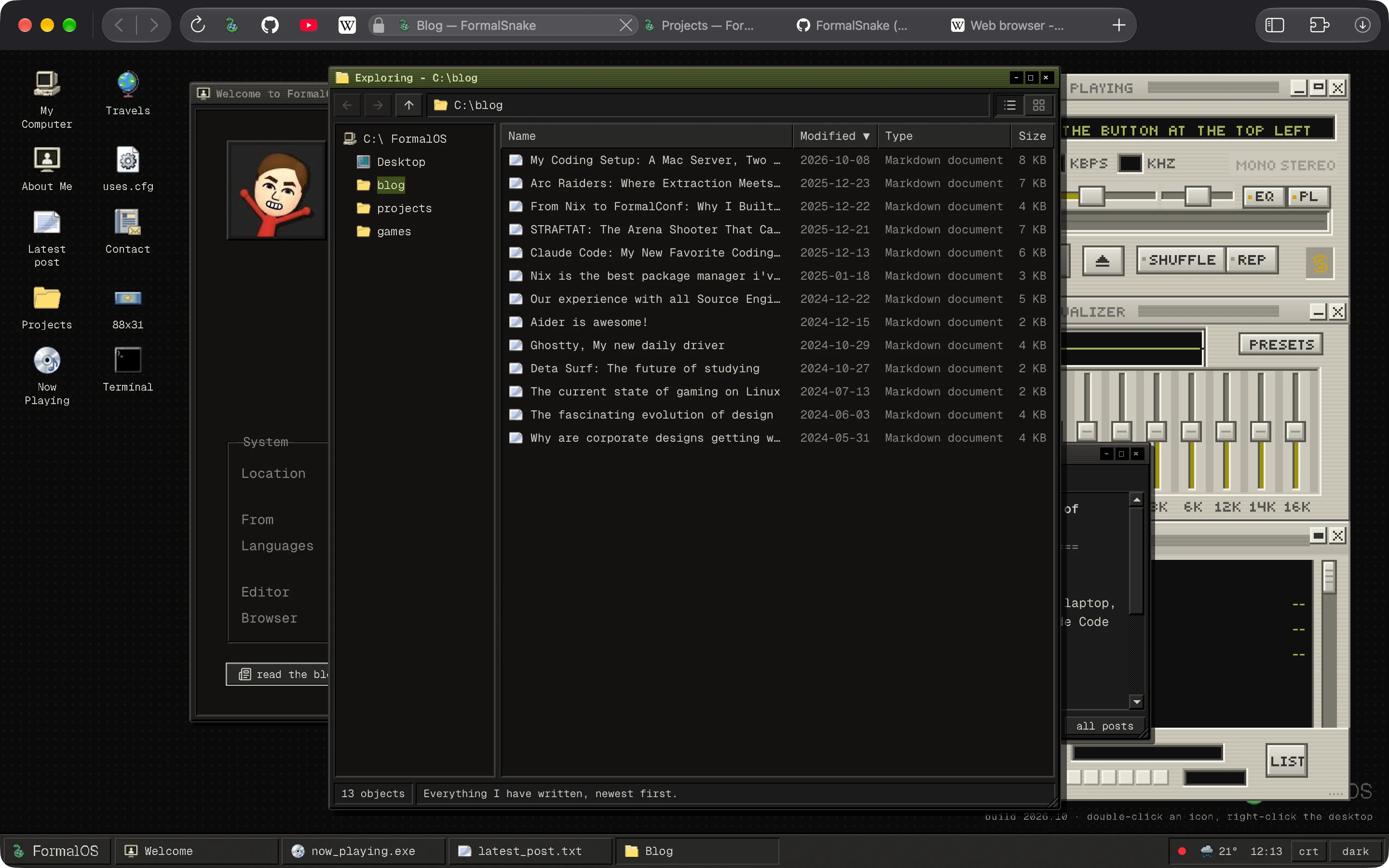
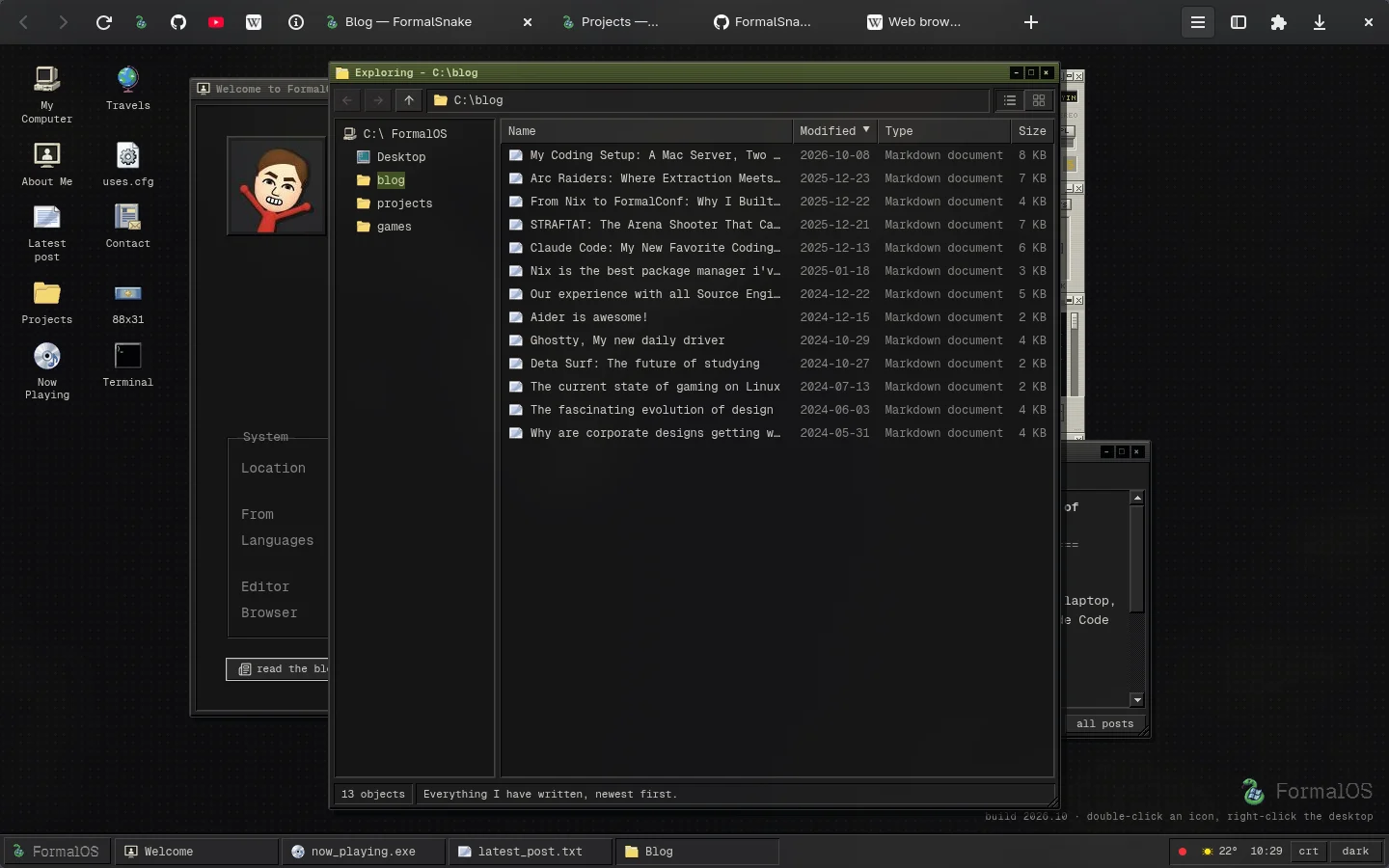
Two layouts
Tabs in a sidebar, or in one compact row.
- ⌥⌘SCtrlAltS
- Switch layout
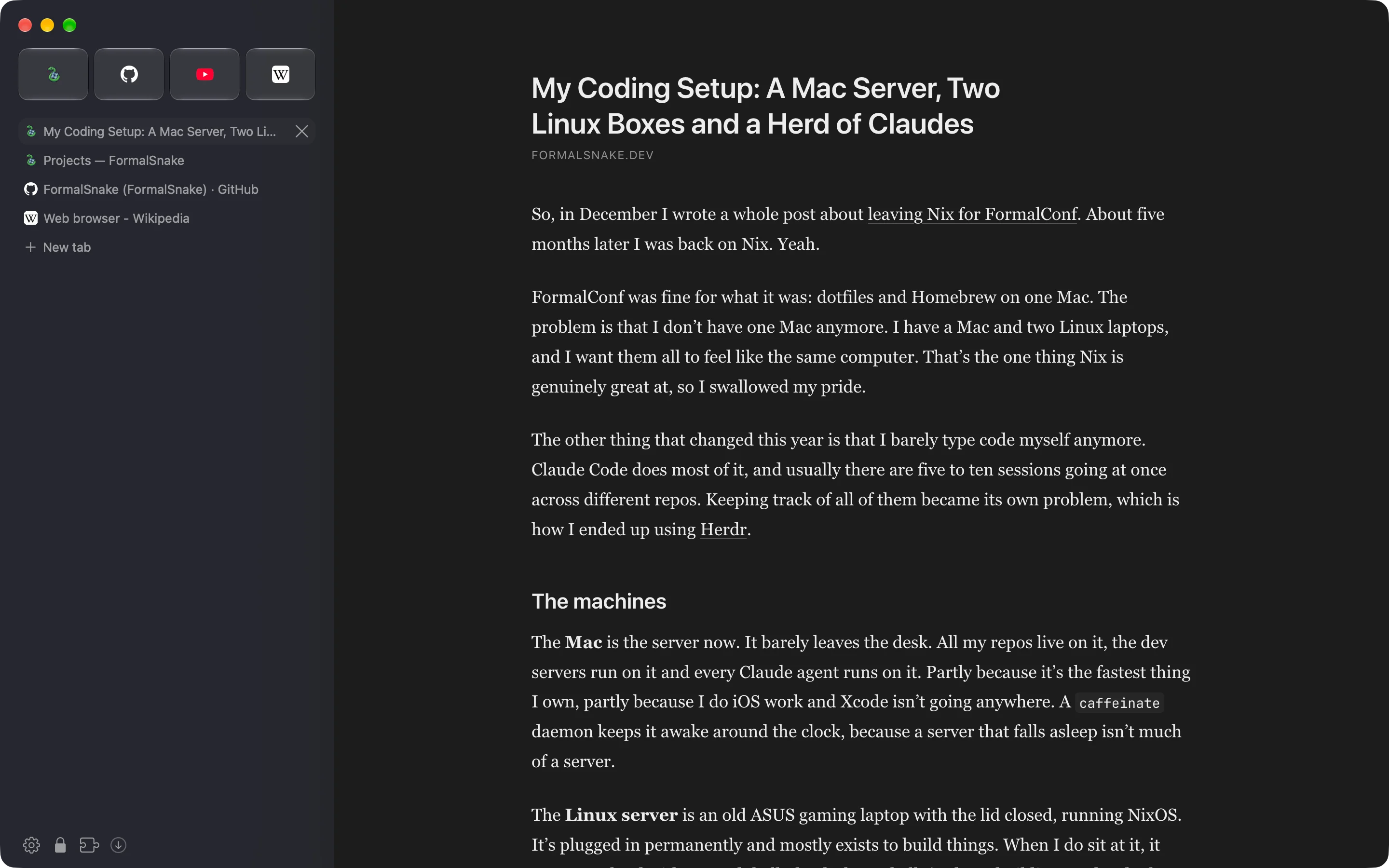
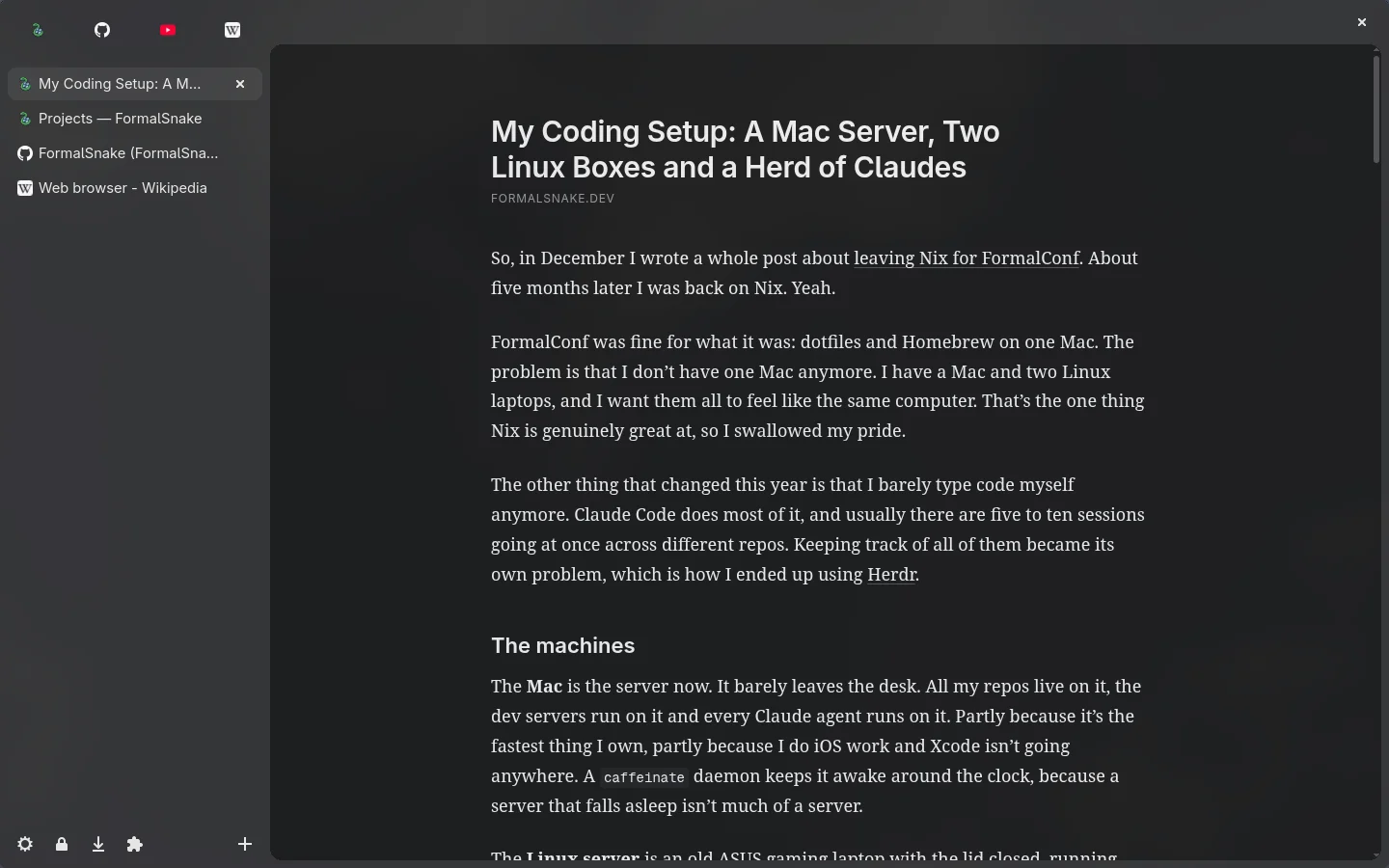
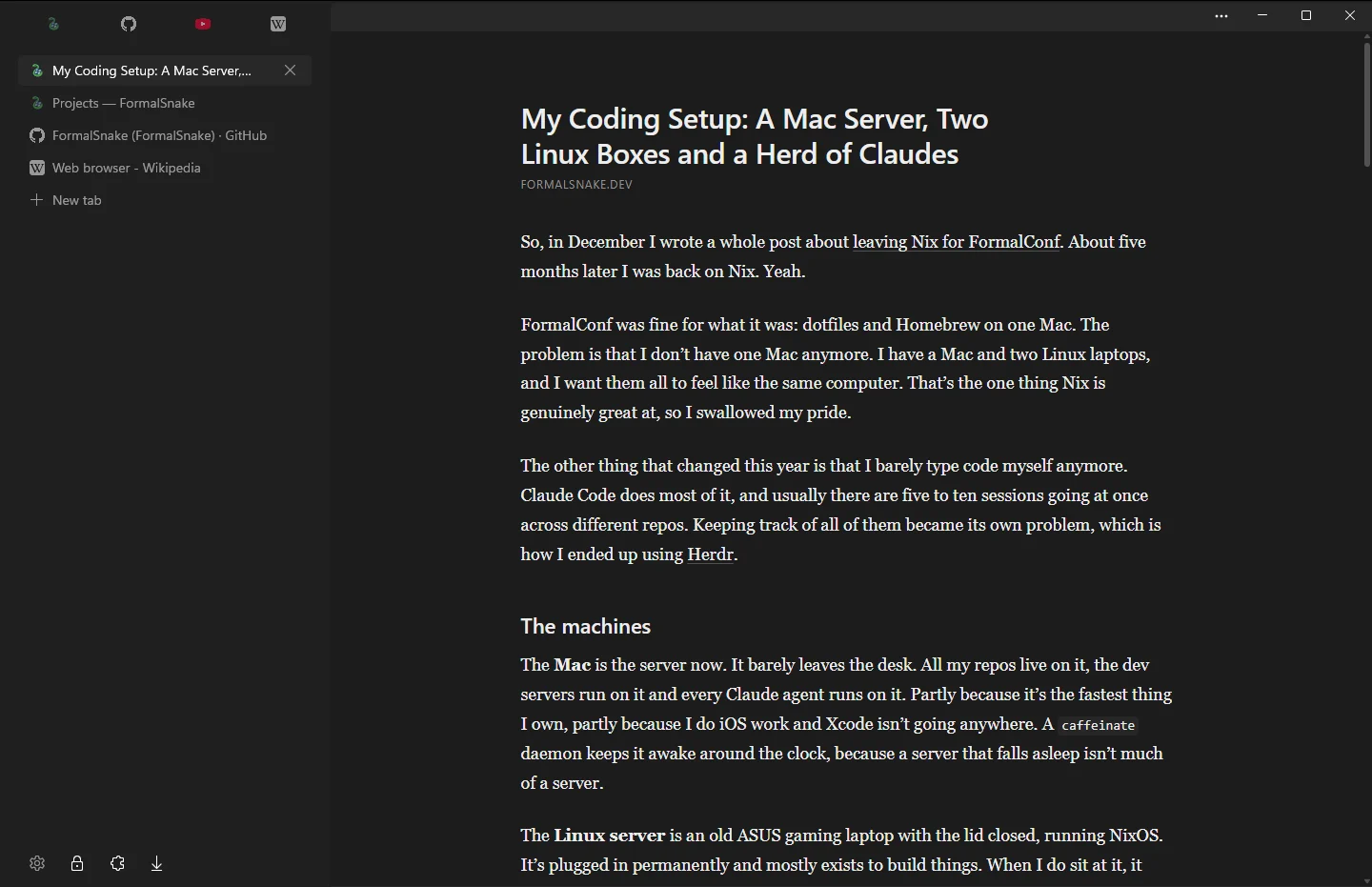
Reading mode
Any article as a clean column of text.
- ⇧⌘RCtrlShiftR
- Toggle reading mode
Shortcuts
Your hands stay on the keys.
Every command has a shortcut.
- New tab
- ⌘TCtrlT
- Edit the address
- ⌘LCtrlL
- Switch tab or run a command
- ⌘KCtrlK
- Close tab
- ⌘WCtrlW
- Reopen closed tab
- ⇧⌘TCtrlShiftT
- Jump to a tab by place
- ⌘1Ctrl1
- Show or hide the sidebar
- ⌘SCtrlS
- Switch layout
- ⌥⌘SCtrlAltS
- Find in page
- ⌘FCtrlF
- Reading mode
- ⇧⌘RCtrlShiftR
- Float the video
- ⌥⌘PCtrlAltP
- Hide an element on this site
- ⇧⌘HCtrlShiftH
- Private window
- ⇧⌘NCtrlShiftN
- Settings
- ⌘,Ctrl,
Also inside
The rest is already there.
Ad blocking
uBlock Origin's lists, built in.
Extensions
Install them straight from the Chrome Web Store.
Floating video
Picture in picture with one shortcut.
Native panels
History, bookmarks and downloads as native sheets.
Private windows
Nothing is kept once you close the window.
Session restore
Your tabs come back where you left them.
Install
Build it from source.
No installer yet. You need Bun.
git clone https://github.com/FormalSnake/lynk-browsercd lynk-browser && bun installbunx nd package mac --no-sign --no-notarizebunx nd package linuxmacOS
Builds an unsigned app in dist/mac.
Linux
Builds an AppImage in dist/linux.
Read the NixOS setupWindows
In progressRuns, but isn't packaged yet.
Follow the port on GitHub